How to Connect an Antenna via RP-SMA Male Connector: Step-by-Step Guide
When 4G signal drops, many people try to improve connection quality with external antennas. It’s crucial to connect the antenna correctly to avoid signal loss, as the wrong choice of connector or cable can lead to significant degradation. To connect an antenna via RP-SMA, you’ll need a coaxial cable with 50-ohm impedance. Most LTE and Wi-Fi systems use a 50-ohm RF path. A compatible 50-ohm cable helps avoid additional mismatch, but the actual loss depends on the cable brand, frequency and run length.
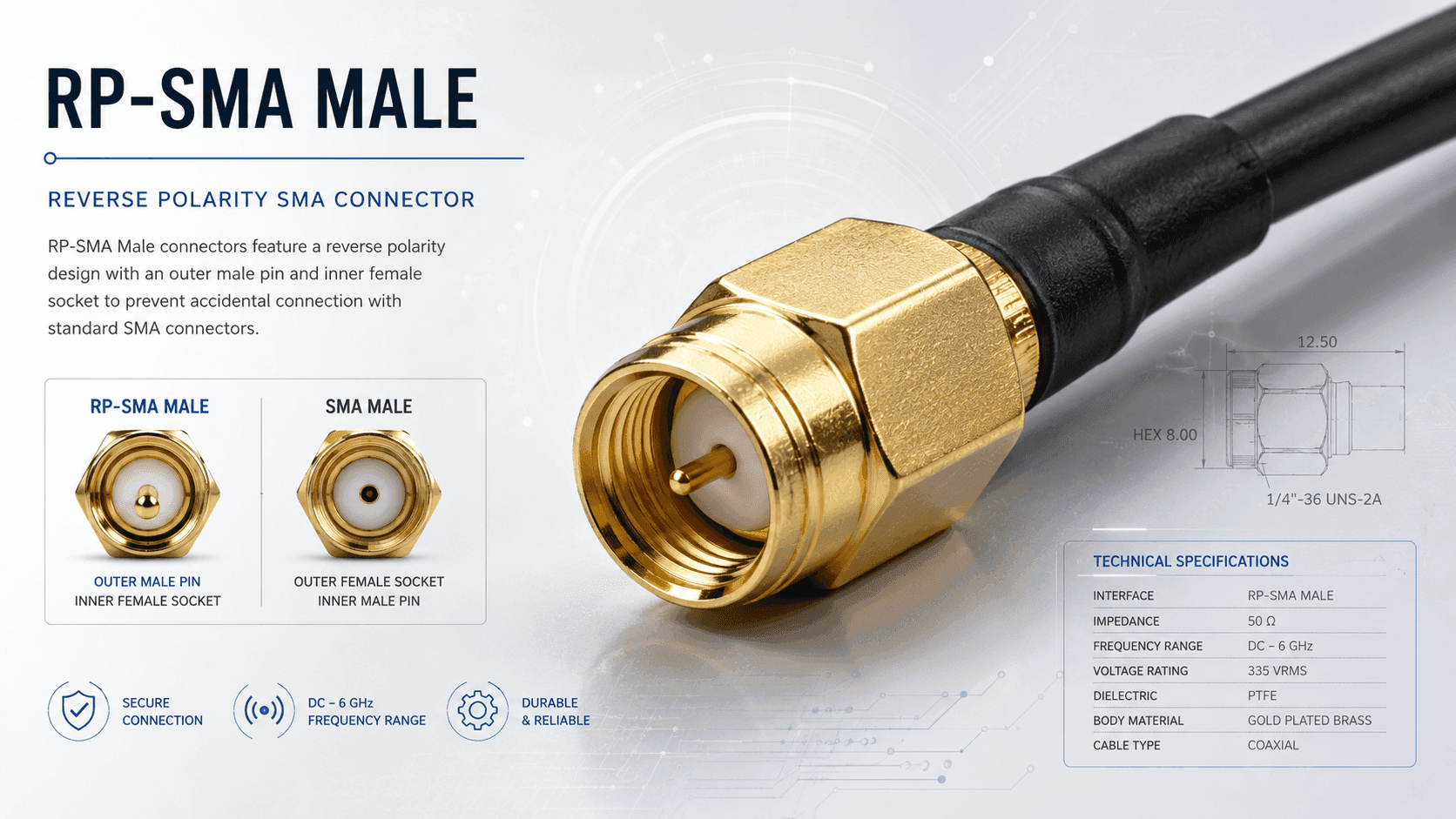
The RP-SMA connector has reverse polarity: the pin and socket are swapped compared to standard SMA. The RP-SMA Male has an internal thread and a central socket. To connect it, you need a compatible RP-SMA Female with an external thread and a central pin. Before buying a cable or antenna, check both the thread and the central contact, as SMA and RP-SMA look very similar.
Start by preparing the cable: choose a coaxial cable with 50-ohm impedance for predictable performance. A 75-ohm cable might work in some receiving systems, but it creates a mismatch and isn’t recommended for a standard 50-ohm RF path. Check the type of external antenna port in the router’s documentation. Buy an RP-SMA Male only if the device has a compatible RP-SMA Female. Connect the antenna to the router or modem. If the antenna is dual-stream (2×2 MIMO), connect both cables to the corresponding ports on the router for optimal reception.
For long cable runs at 2.6 GHz, it’s worth using a low-loss 50-ohm cable, such as the LMR-400 class. Near the small router connector, it’s advisable to fit a short flexible pigtail so the thick cable doesn’t put mechanical stress on the port.
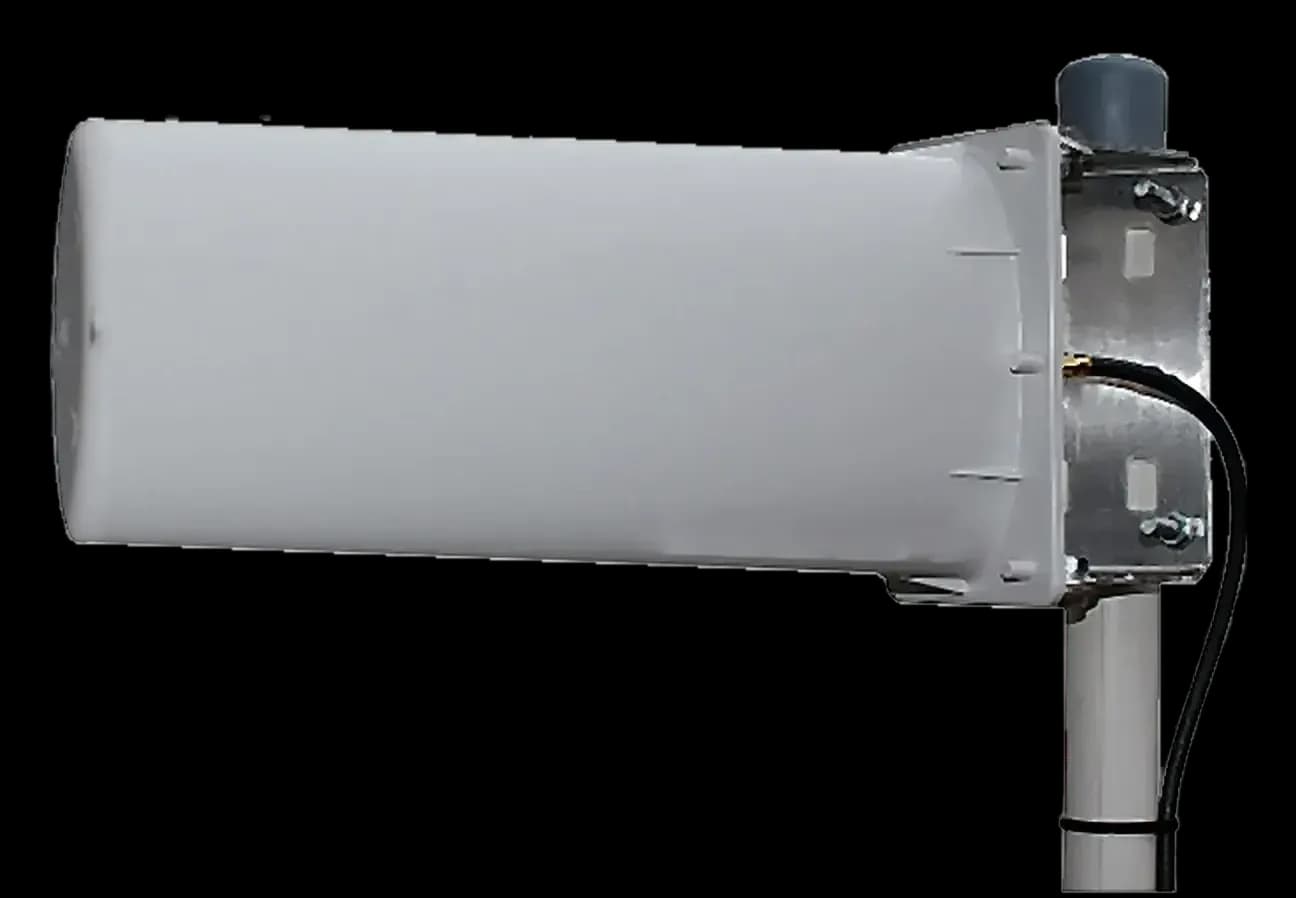
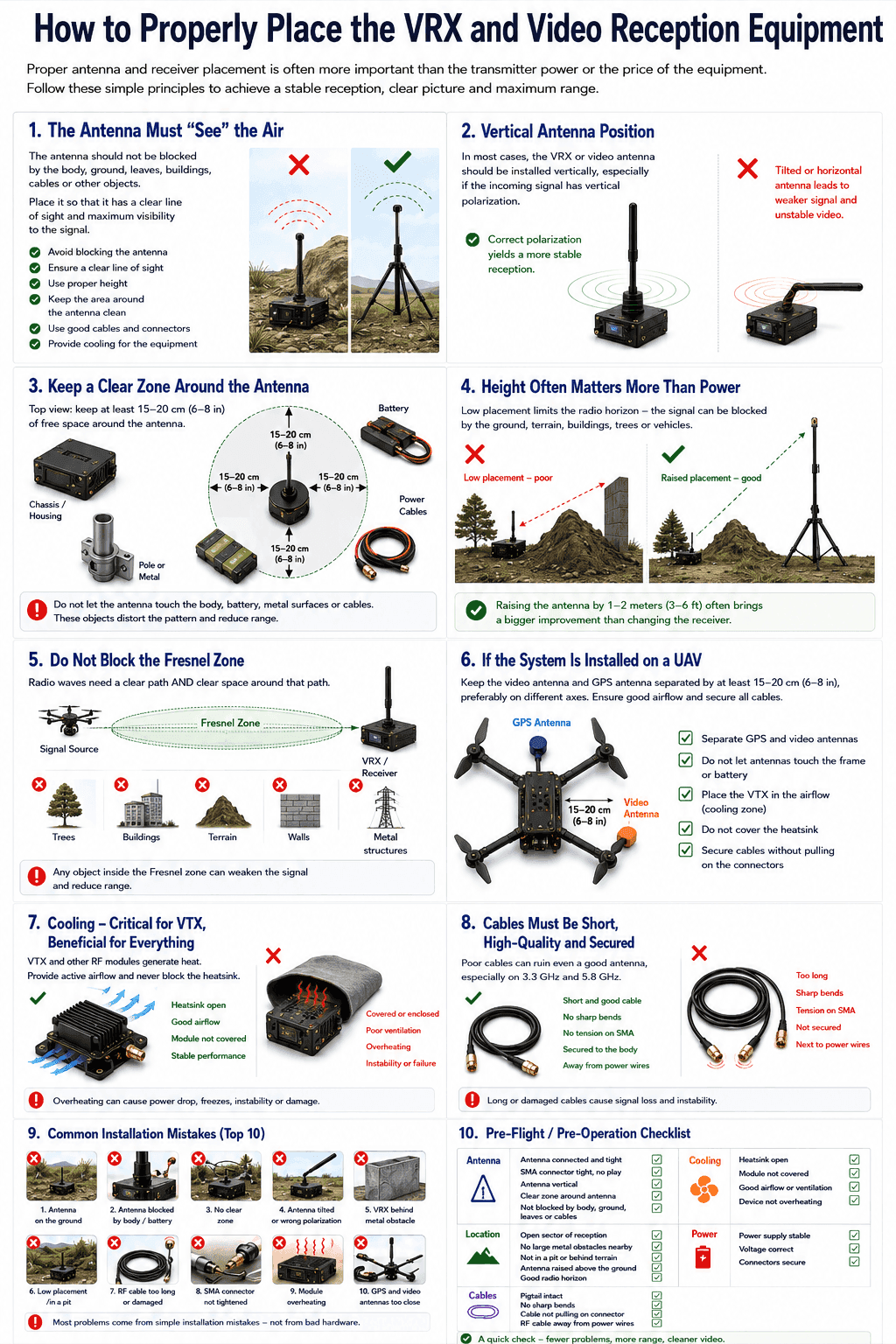
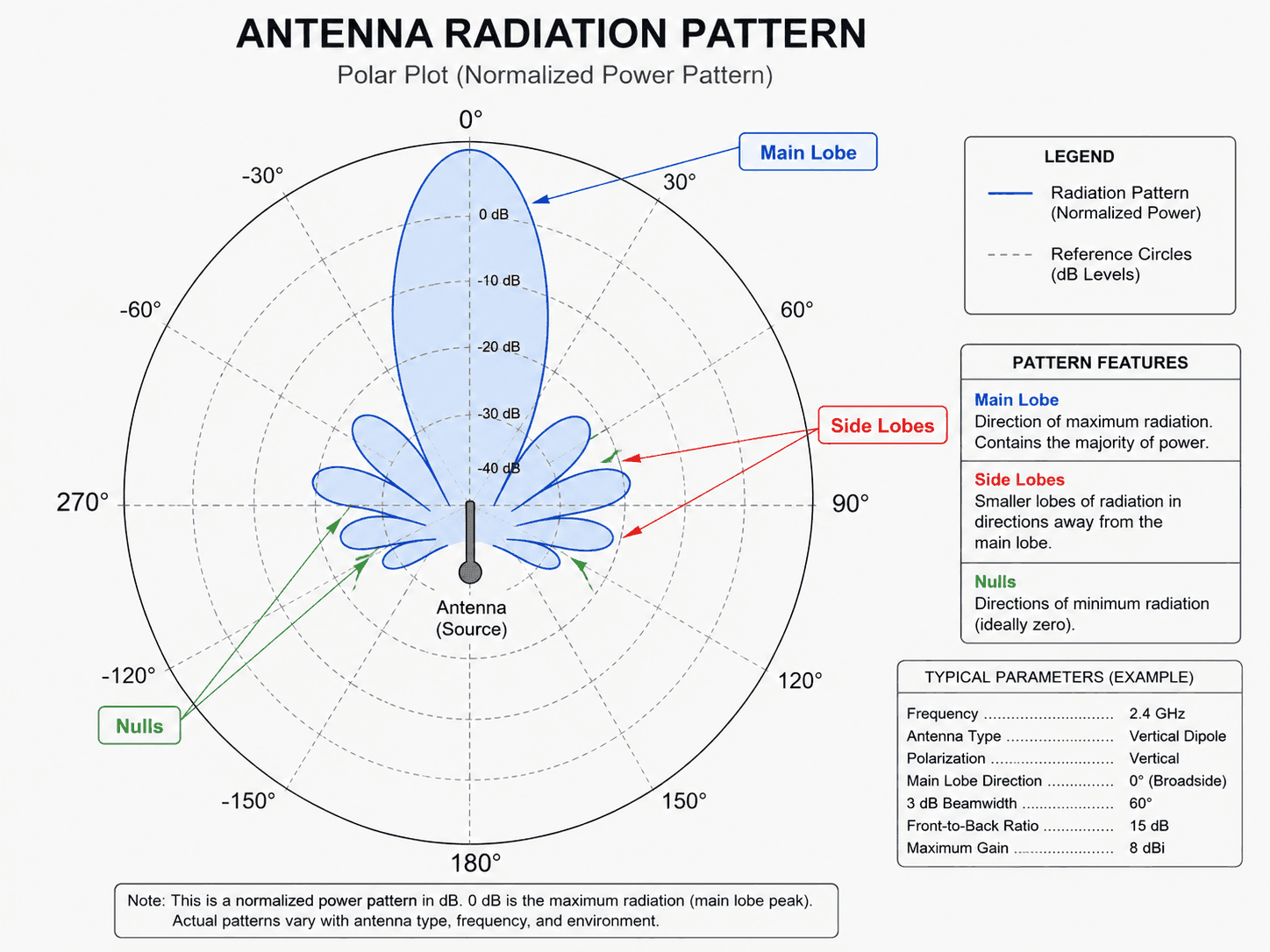
Orient a directional antenna towards the desired base station. Install an omni antenna vertically in an open spot, avoiding proximity to metal structures. After connecting, open the router’s web interface: if it has a setting to select the internal or external antenna, activate the appropriate mode. Then compare the RSRP, RSRQ and SINR readings, along with the actual speed and connection stability.
Choosing the right connector and cable is critical for a quality connection. If you’re unsure, it’s better to consult a specialist — it can save time and effort and ensure optimal equipment performance.
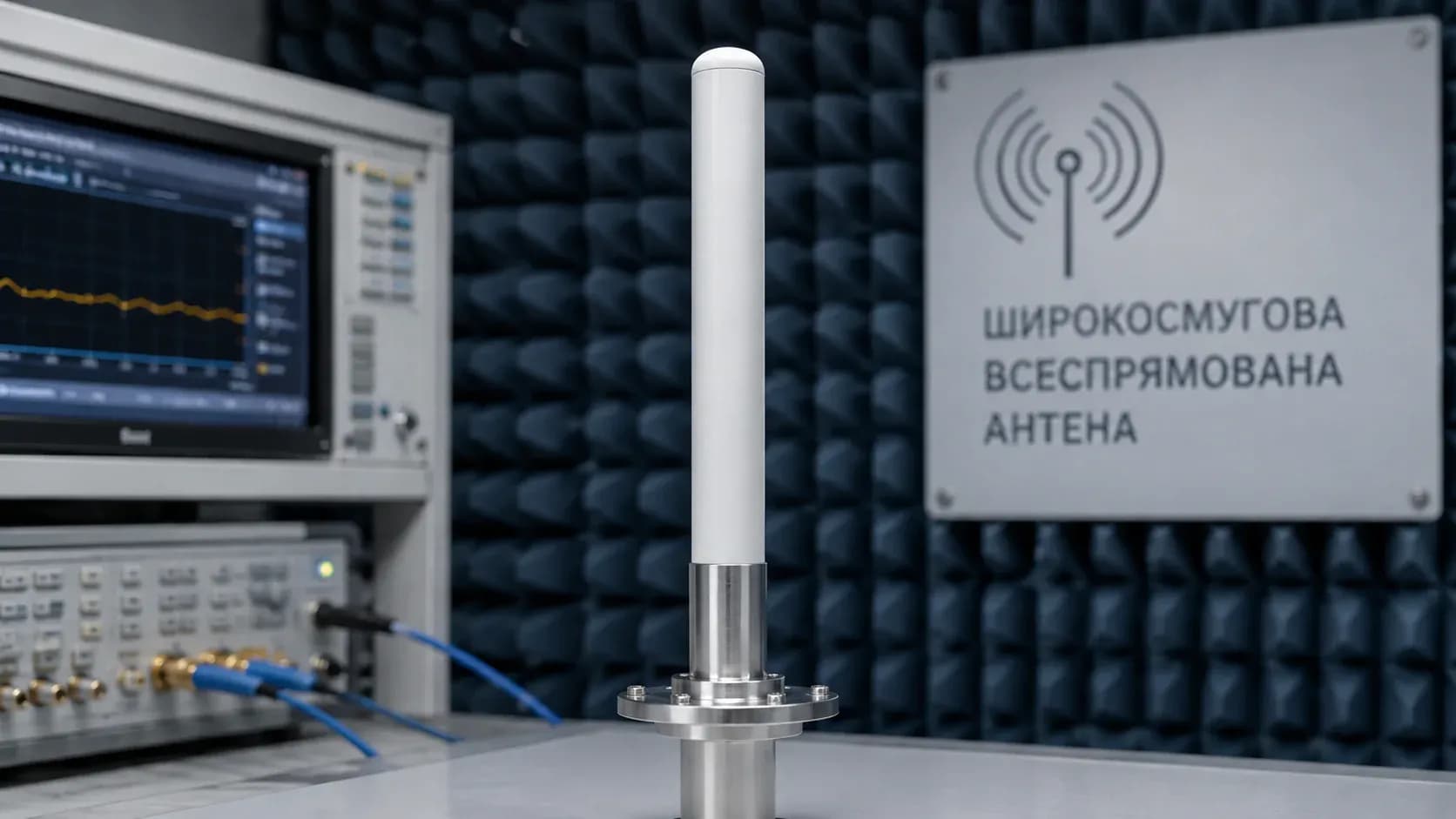
If you’re looking for a reliable antenna, consider the broadband 1000–8000 MHz omni antenna.